

Manage your account and
pay your bills.


Download the
BRMEMC App


Members Serving Members
Blue Ridge Mountain EMC is a not-for-profit, member-owned cooperative serving the counties of Towns, Union and Fannin of North Georgia; and Clay and Cherokee of Western North Carolina.

Establishing Electric Service
There are several options when establishing electric service with Blue Ridge Mountain EMC. Each option has a checklist that will ensure you get the necessary paperwork to BRMEMC and your job stays on track.
Giving Back to Our Community
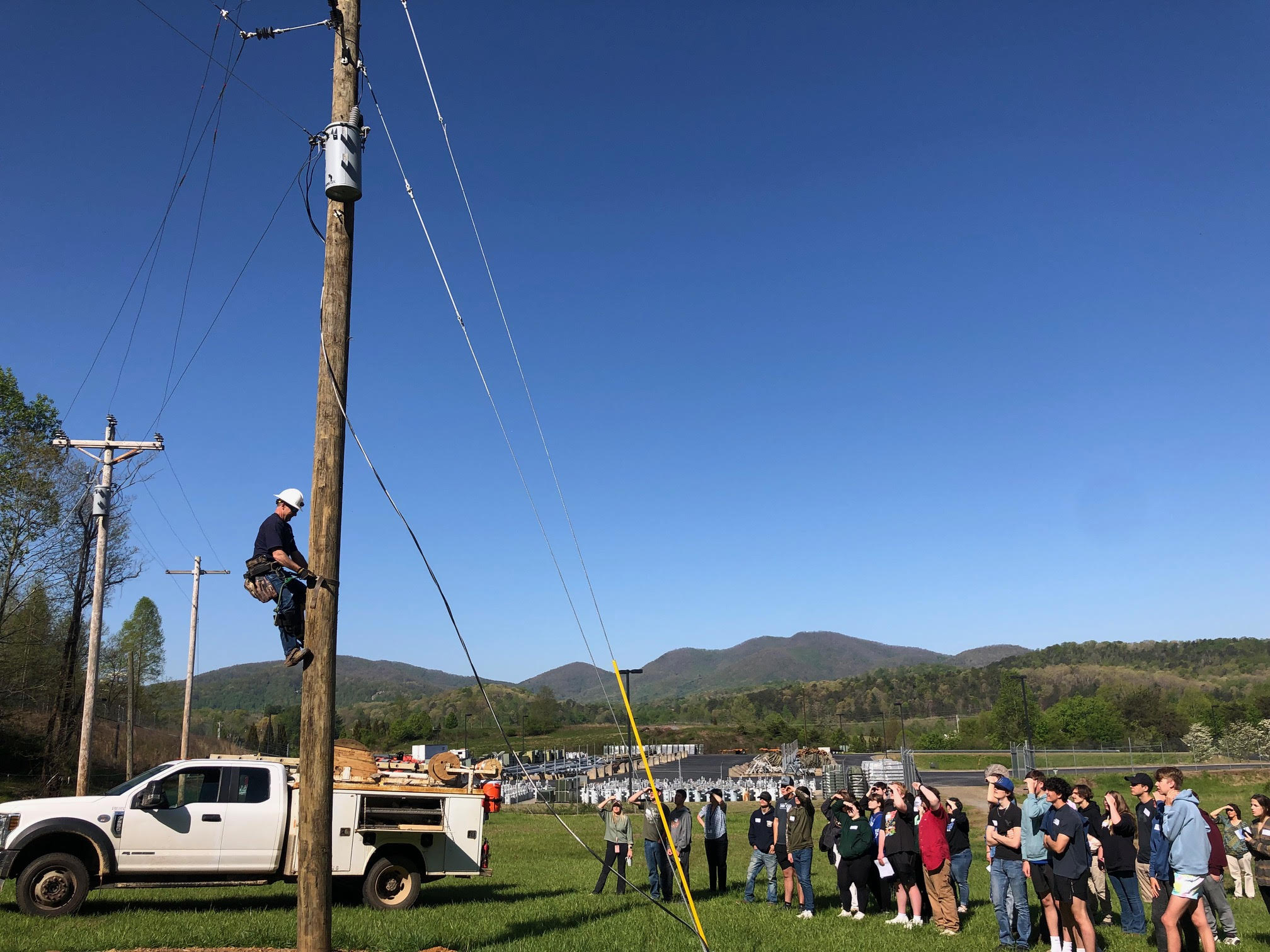
Community engagement is part of our culture. You will see us in your child's school speaking about electrical safety, serving on boards for various organizations, coaching, sitting next to you at church, or supporting community events. Like you, we live and work in this great area that we love calling home. We take pride in working at Blue Ridge Mountain EMC and being a part of a team of employees serving you, our Members.
Sign Up for Outage Texting
Text in your outage and receive status updates.
Recent News
Read about recent BRMEMC news, events and essential information.

Santa and Mrs. Claus Visit BRMEMC
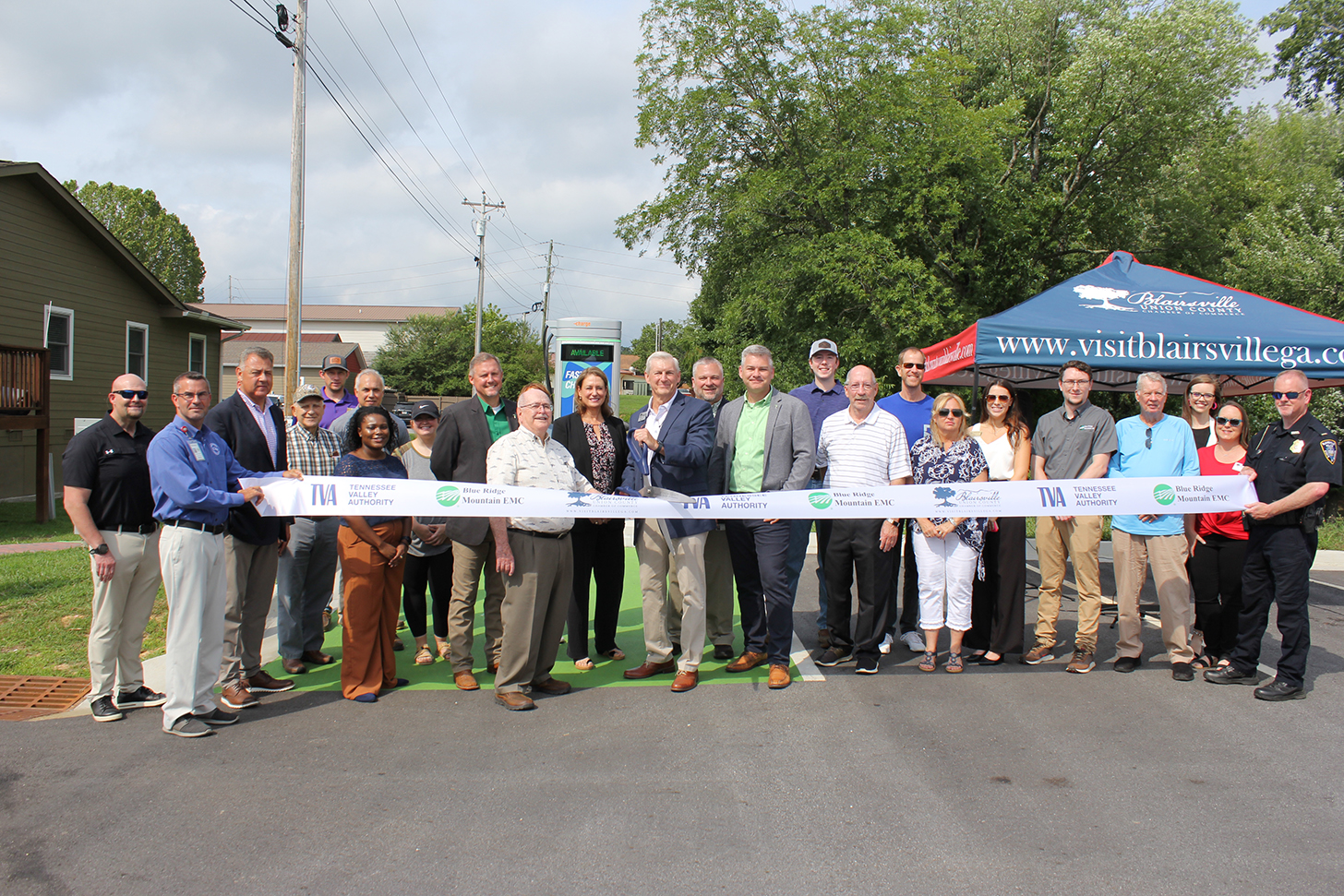
Driving Electric in Georgia Just Got Easier
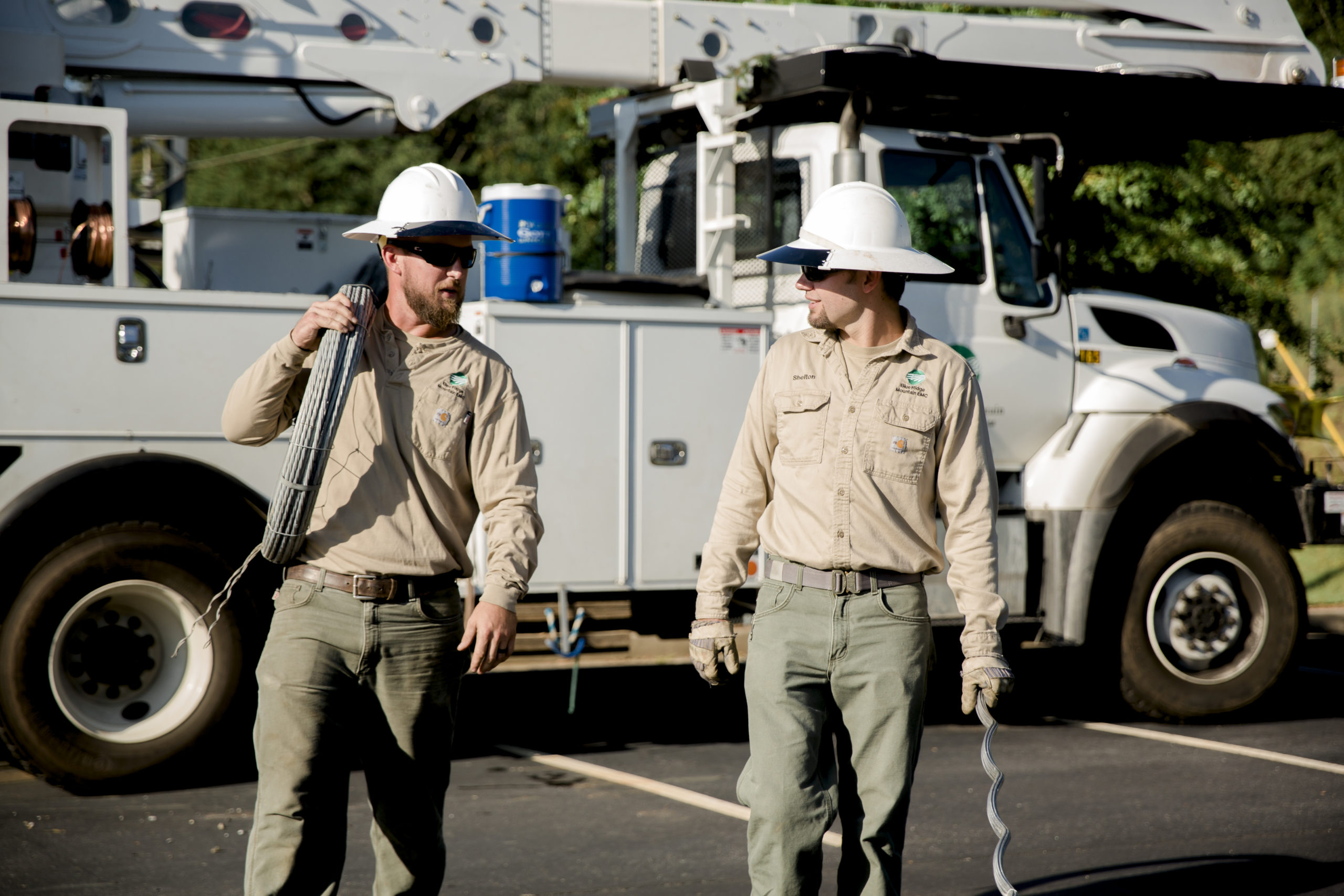
Severe Weather Causes Widespread Outages for BRMEMC
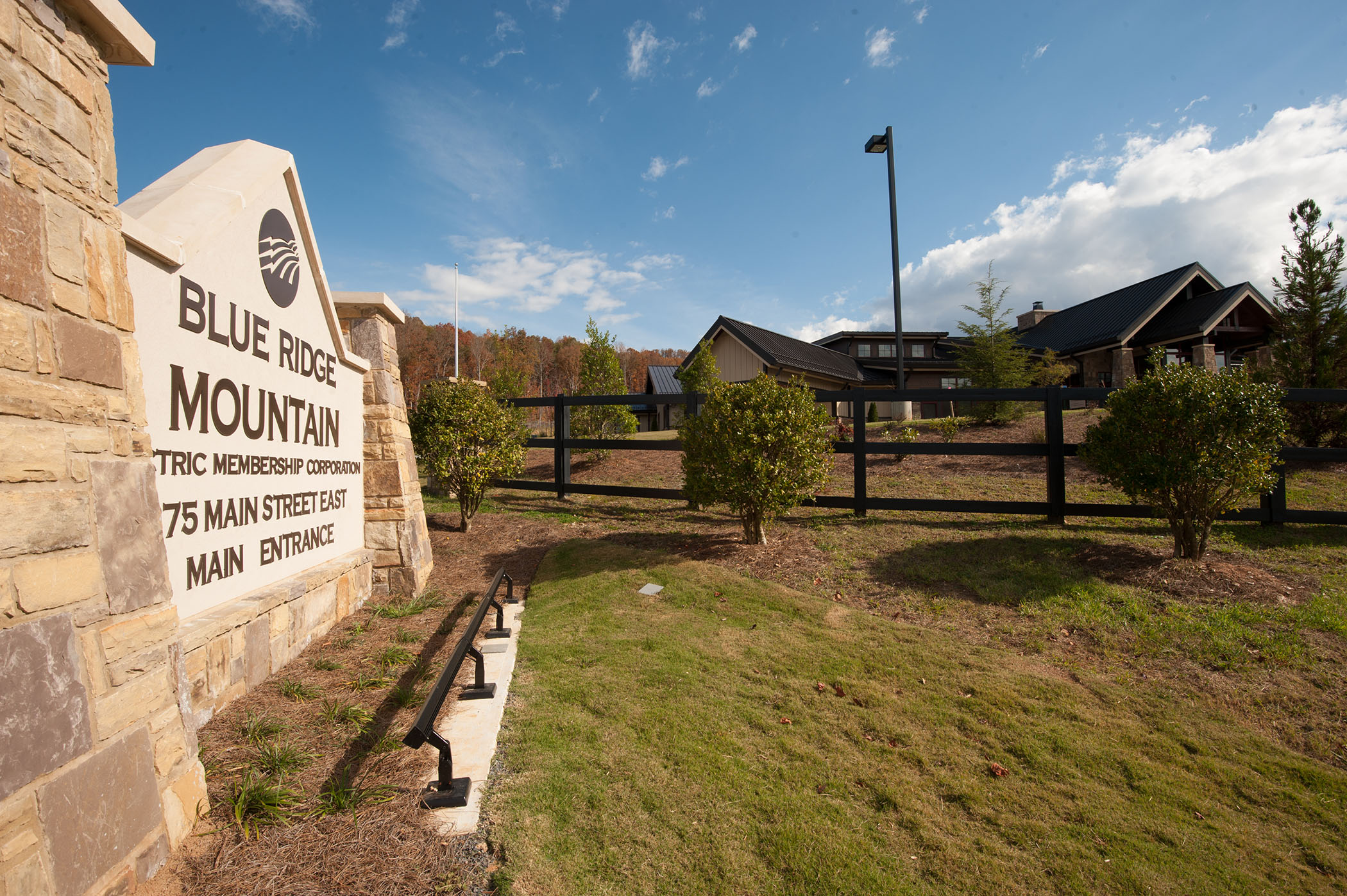
Blue Ridge Mountain EMC Welcomes Sharon Kyser to Its Management Team
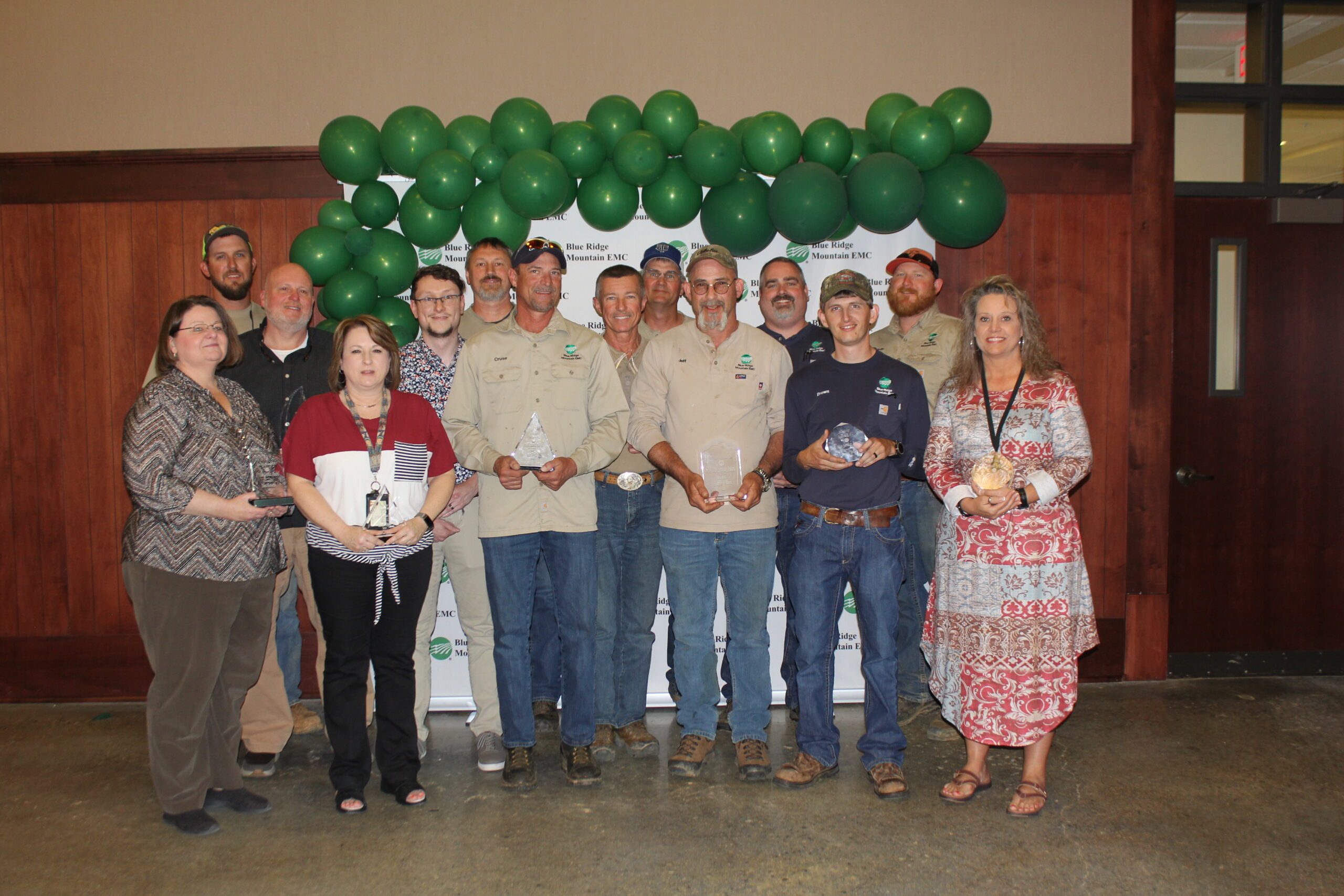
BRMEMC Celebrates Milestone Work Anniversaries